
- Chrome Extension Development
- Chrome Extension Upgrades
- Chrome Extension Bug Fixing
- Backend & API Development
- Automation Development
- Email and Google Auth Implementation
- Payment Integration
- Performance Improvements
- Chrome Store Thumbnail Design

Turn Google Whisk Into a Hands-Free Image Factory
Bulk AI image generation for Google Whisk. Automate prompts, generate multiple images quickly, and save results with one click.
Create unlimited AI images faster with Google Labs Whisk. Whisk Automator is the first Chrome extension that lets you bulk-generate images from text prompts, download them automatically, and scale your creative workflow with ease. Whether you’re a stock contributor, designer, social media creator, or marketer, Whisk Automator helps you turn text prompts into high-quality AI visuals — all fully automated.
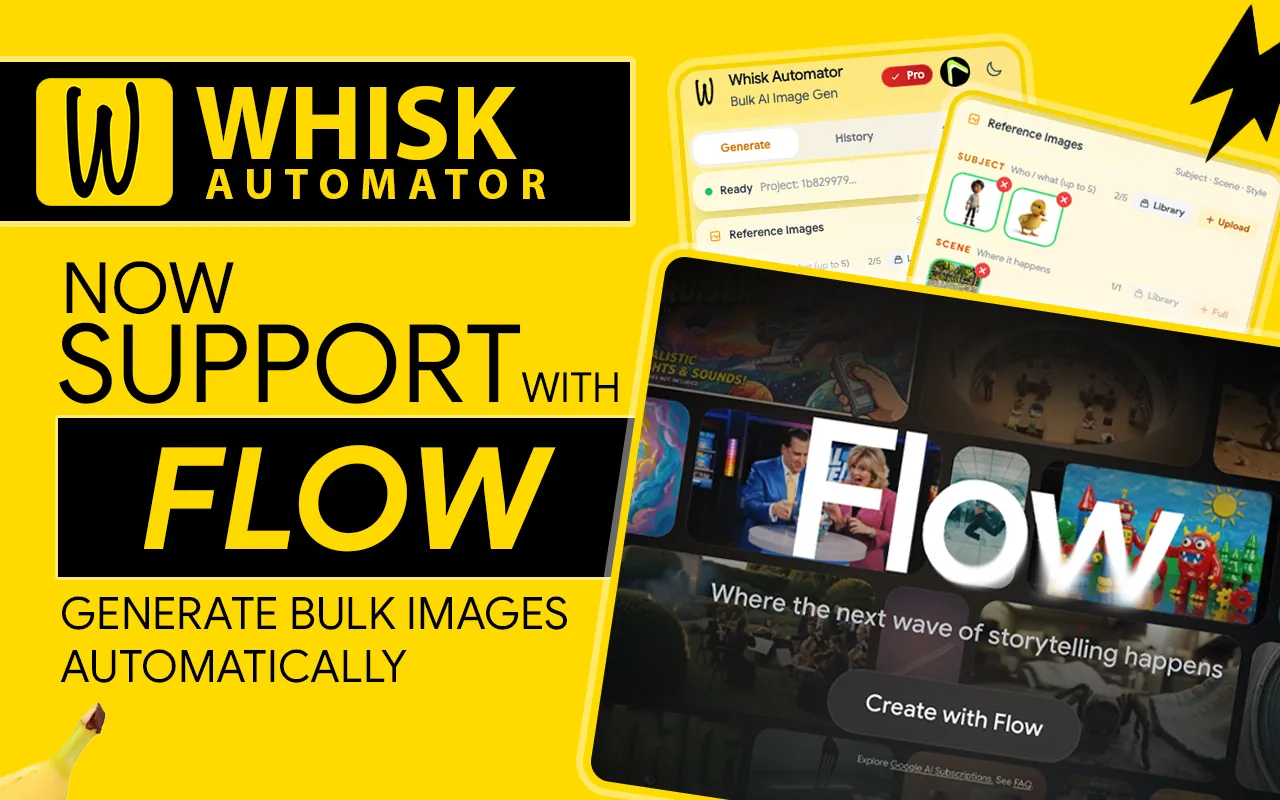

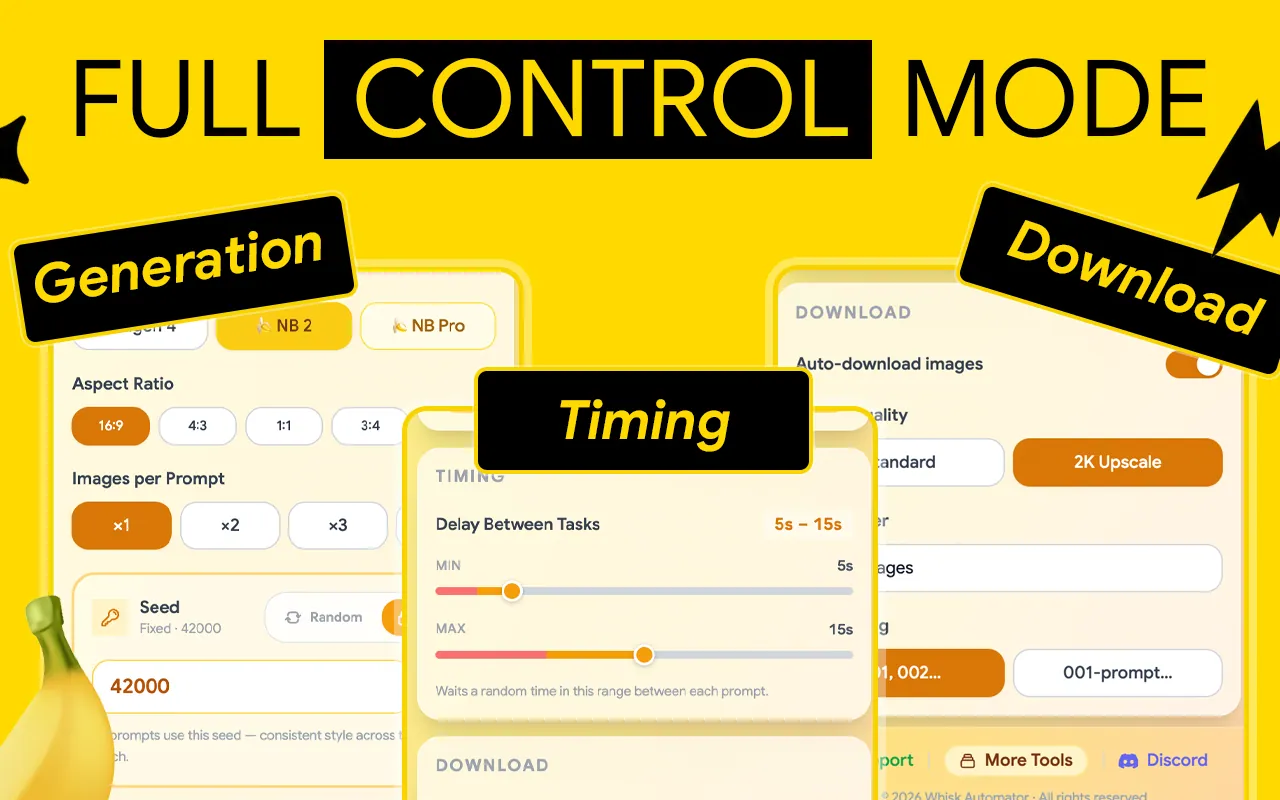
Why Choose Whisk Automator?
Manually generating images in Google Labs Whisk is slow and repetitive. With Whisk Automator, you can:
- Generate hundreds of AI images in bulk.
- Auto-download results directly to your device.
- Save hours of manual copy-paste work.
- Scale your creative output 10x faster.
Key Features of Whisk Automator
Our innovative identity design solution crafted a distinctive visual identity that perfectly reflects the brand’s values and mission. Through a cohesive logo, color palette, and typography, we delivered a unified brand experience that enhances recognition, builds trust, and sets the brand apart.
- Feature 01
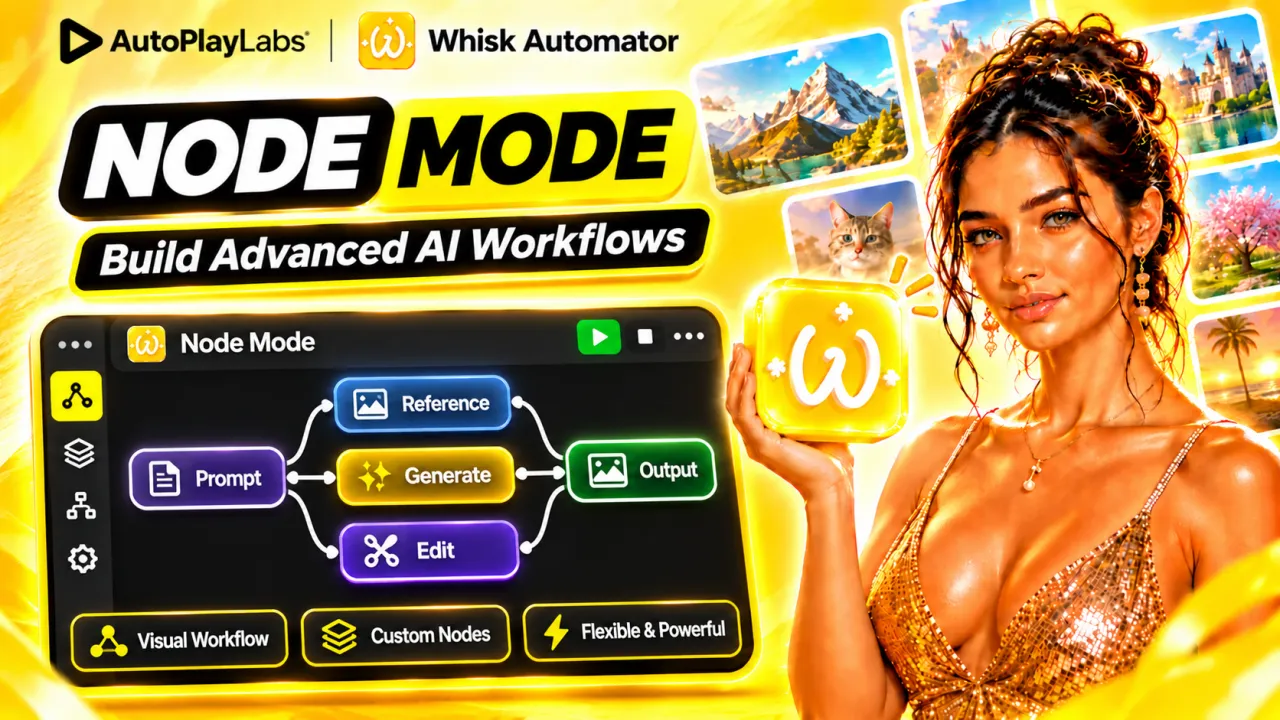
Node Mode
Build advanced AI workflows visually. Connect Prompt, Reference, Generate, Edit and Output nodes into your own pipeline, then run it with one click.
- Feature 02
Unlimited AI Prompts Generator
Describe an idea, pick a style and type, and generate unlimited ready-to-use prompts for any niche.
- Feature 03
Reference Modes
Upload a reference image to keep the same subject or style across every image in your batch.
- Feature 04
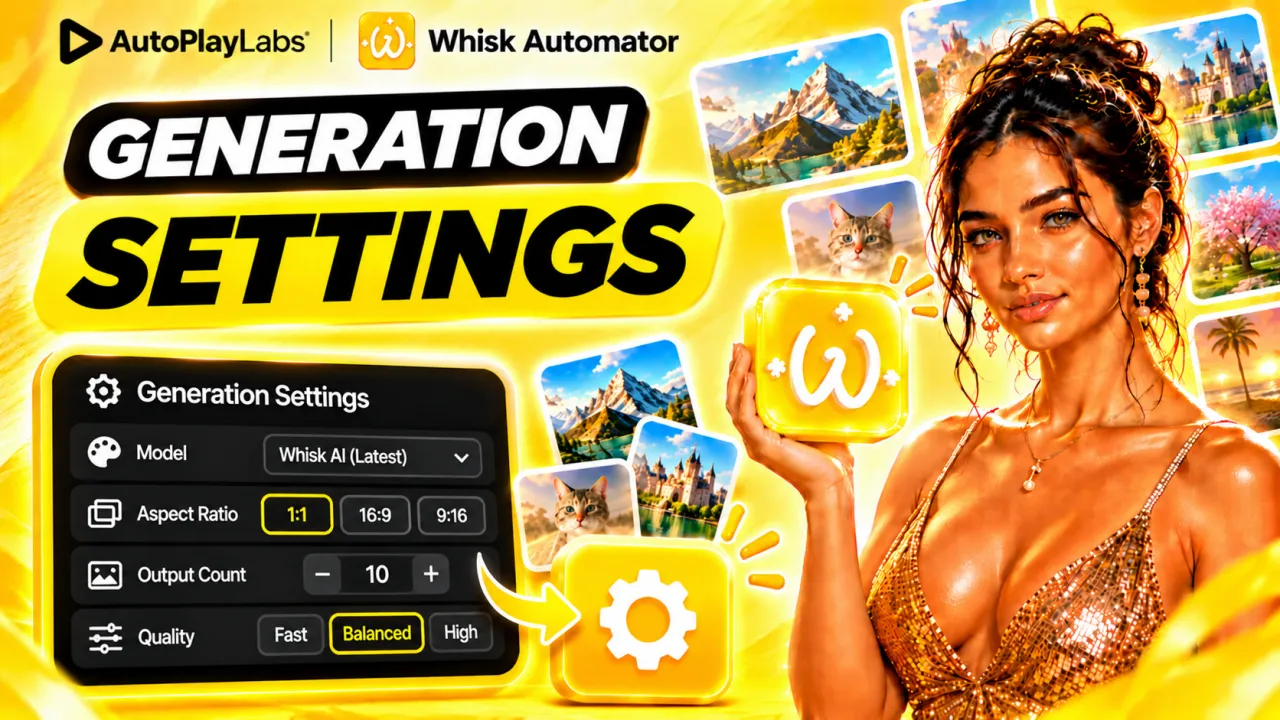
Generation Settings
Set the model, aspect ratio (1:1, 16:9, 9:16), output count and quality once, and every prompt in the queue uses them.
- Feature 05
Library Downloader
Select images from your library and download them all at once into a folder, instead of saving them one by one.
- Feature 06
Beginner’s Guide
New to Whisk Automator? This complete walkthrough covers install and setup, the key features, and a full workflow from prompt to downloaded image.




Introduction Video

How It Works
- Step 01
Install Whisk Automator
Open the Whisk Automator page on the Chrome Web Store and click “Add to Chrome”. Once installed, the extension icon appears in your browser’s toolbar.
- Step 02
Add Prompts to the Queue
Click “Add Prompts” and paste as many prompts as you like. Each one becomes a row in the Prompt Queue, ready to generate in bulk.
- Step 03
Start Bulk Image Generation
Click “Generate”. Whisk Automator works through every prompt in the queue for you and creates all the images in bulk.
- Step 04
Enable Auto Download
Turn on Auto Download and every finished image is saved to your device automatically, without clicking anything.




“Such an amazing extension ,saves hours and generate images within no time . There are update issues but the team is highly co-operative which is quite impressive for me , they guided me well untill the issue is resolved. Highly recomended !”
laiba Mubarak10 Sept 2026 · Chrome Web Store “the best automation tool ever and their customer service is as good as it gets”
ibrahim abuhamra28 Aug 2026 · Chrome Web Store “I tried several extension. Whisk Automator is the Best Automation for Flow AI. Could you add parallel Generation in to this ?”
Damsak Mandapaya4 Aug 2026 · Chrome Web Store “I’m a Pro user of this extension. After April 1st, it started working with Flow. I saw your YouTube notice video — will it take long to new update? I have some urgent work to complete, so I just wanted to check. Would appreciate any quick update 🙏”
ISH M1 May 2026 · Chrome Web Store “Been looking for an extension like this for a long time. Finally found exactly what I needed. Works great and saves a lot of time.”
John Shepard29 Jan 2026 · Chrome Web Store “Easily the best browser extension out there for automating Google Whisk. I’ve tested multiple alternatives, and nothing comes close. It’s paid, but absolutely worth every penny. amazing work”
Abina Cart24 Jan 2026 · Chrome Web Store
“I usually dont give review. Due to my work nature, I usually need to try lots of automation tool to save time and increase my work capacity. after using whisk automation extension, I have been able to save time n boring work. to be honest, this tool gives huge value than the price they charge. though i experienced some issues but I contacted their support and in less than 12 hours, they fixed this problem. such a humble and kind team. ..i never got this much fast and humble response from any web- tooI developer purchased before. thank u for creating this amazing tool.”
Md Shahjahan7 Sept 2026 · Chrome Web Store “Thanks so much for creating Whisk Automator! It saves me a ton of time and makes the workflow much easier. Really appreciate the work you’ve put into it. One feature I’d love to see in the future is automatic reference/context recognition. Instead of manually tagging references, it would be amazing if I could simply use something like `@character` or `@place`, and the tool could understand what I’m referring to based on the images and context from previous prompts — similar to how Whisk handles contextual references. That would make creating consistent characters, locations, and scenes across multiple prompts much faster and smoother. Thanks again for building such a useful tool!”
SR JOY28 Aug 2026 · Chrome Web Store “Honestly didn’t expect this, but after Google shut down Whisk, these devs somehow brought it back through Google Flow, the quality still feels the same and everything runs smoothly, especially for bulk images, it actually feels like using Whisk again, really impressed, big respect to the team, 10 out of 10.”
Shafraz Mohammed5 May 2026 · Chrome Web Store “10/10 , Best Extension for automate Whisk AI , Highly Recommended”
HMS Ruhuna17 Feb 2026 · Chrome Web Store “Using Whisk Automator for some time now. It does what it promises. Reference images and prompts automation saves lot of time, image-to-image works well. Extension feels stable and useful for daily use. One of the best.”
Alan fin28 Jan 2026 · Chrome Web Store “Really great extension. It saves me a lot of time and makes using Google Whisk much easier. The image-to-image functionality is especially impressive and something I couldn’t find in any other extension. If you use Whisk regularly, this is definitely worth having.”
MADUSHI BANDARA13 Jan 2026 · Chrome Web Store
Reviews shown verbatim from the Chrome Web Store · checked 14 Nov 2026
Our Subscription Plans
Monthly
$4.99
- Full access to Whisk tools
- Library download manager
- AI prompt creator
- Basic support
Yearly
$17.99
- Full access to Whisk tools
- Library download manager
- AI prompt creator
- Basic support
LifeTime
$29.99
- Full access to Whisk tools
- Library download manager
- AI prompt creator
- Basic support
FAQ
Let’s address your questions today!
Send a support ticket with your question or feedback and the AutoPlayLabs team will reply by email.
Submit a support ticket→Yes, Whisk Automator connects directly with your Google Labs Whisk account to automate image generation.