
- Chrome Extension Development
- Chrome Extension Upgrades
- Chrome Extension Bug Fixing
- Backend & API Development
- Automation Development
- Email and Google Auth Implementation
- Payment Integration
- Performance Improvements
- Chrome Store Thumbnail Design
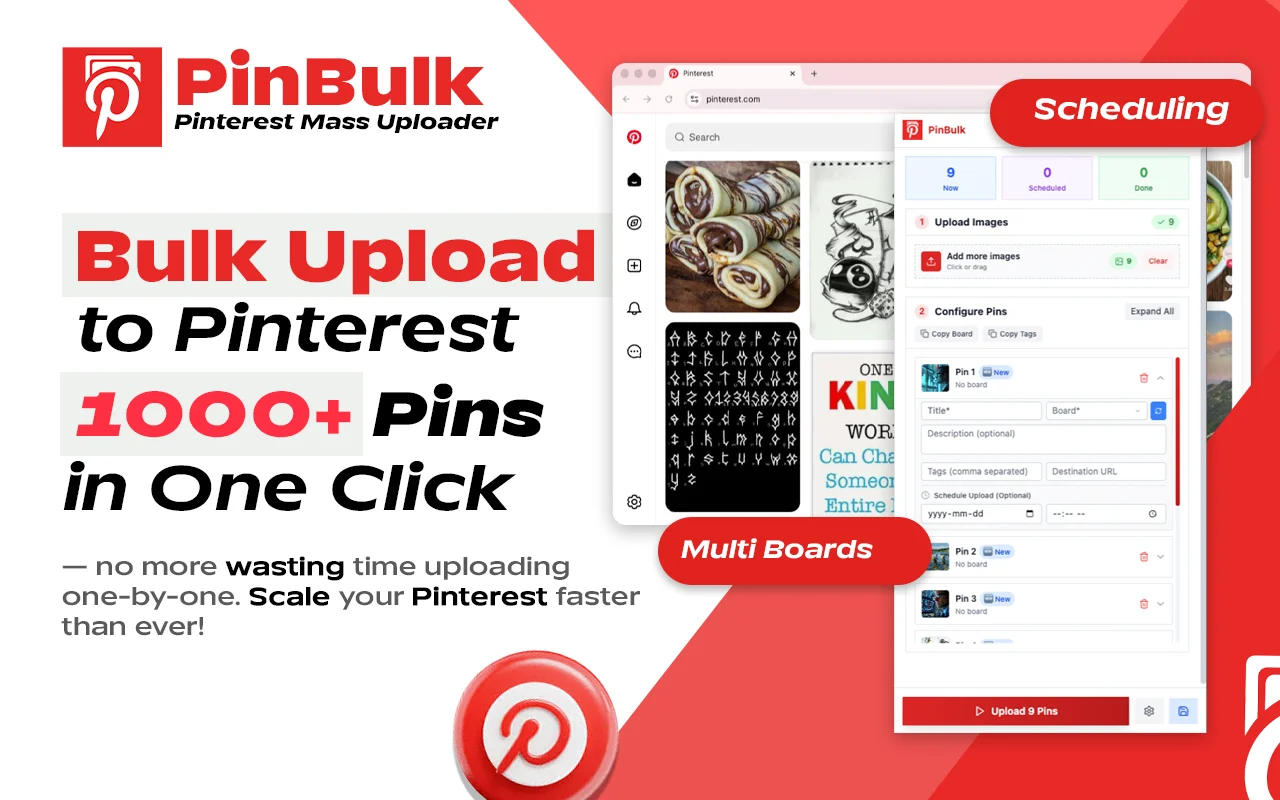
Turn Pinterest Into a Hands-Free Pin Publishing Machine
Bulk Upload, Schedule and Auto Publish Pinterest Pins from Chrome.
PinBulk is a Chrome extension that turns Pinterest posting into an automated workflow. Upload dozens or hundreds of images at once, let AI write SEO-friendly pin titles, descriptions and hashtags, assign boards automatically, then publish right away or schedule every pin on a calendar. Built for e-commerce stores, bloggers, content creators, affiliate marketers and social media managers who post to Pinterest at volume.
Why Choose PinBulk?
Posting pins one by one takes hours: upload an image, write a title, write a description, pick a board, pick a time, repeat. PinBulk does the repetitive part for you. Drop in your images or a CSV, review the AI-written details, and let the scheduler publish while you work on strategy.
- Bulk upload many pins at once with drag and drop or CSV.
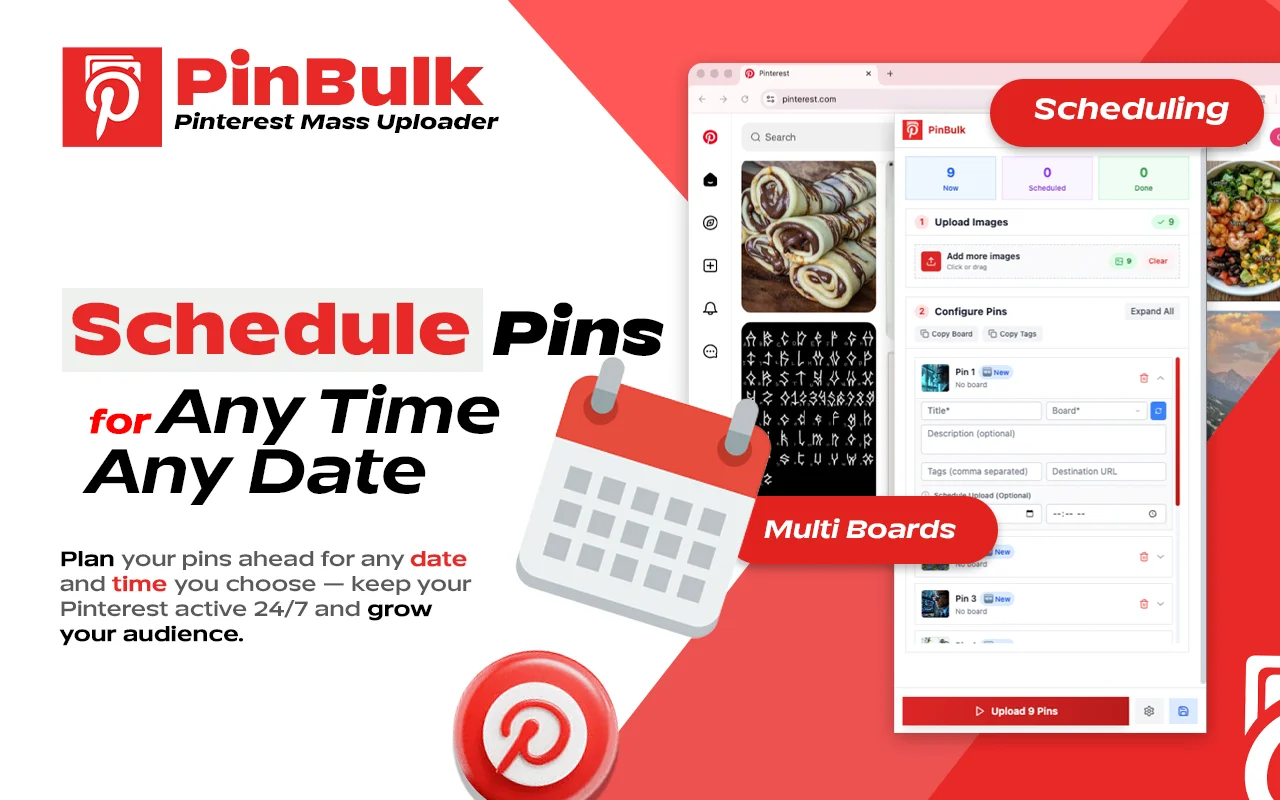
- Schedule pins on a calendar, with time zone support and recurring schedules.
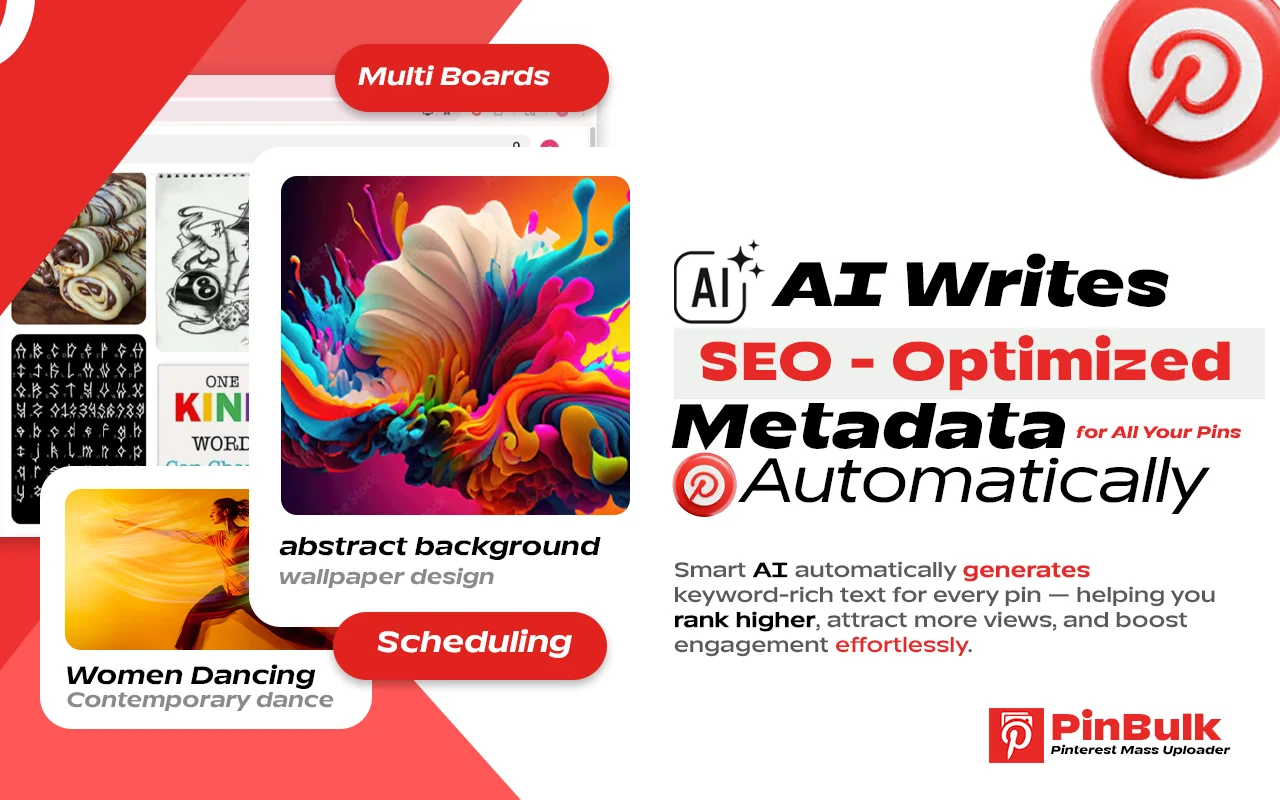
- AI-generated pin titles, descriptions and hashtags.
- Automatic board assignment.
- Two upload engines: Pinterest API and DOM (in-page) upload.
- Runs in your browser — no separate app or complex setup.
How It Works
- Step 01
Install Extension
Open the PinBulk page on the Chrome Web Store and click “Add to Chrome”. The extension icon appears in your browser toolbar.
- Step 02
Upload Your Pins
Sign in to Pinterest, open PinBulk and drag and drop your images — or import a CSV — to fill the pin queue in one go.
- Step 03
Generate Pin Details with AI
Let AI write an SEO-friendly title, description and hashtags for every pin, and assign each pin to a board.
- Step 04
Publish or Schedule
Publish the queue right away or pick dates and times on the calendar. PinBulk posts each pin automatically on schedule.
Key Features of PinBulk
PinBulk combines bulk upload, scheduling and AI copywriting in one lightweight Chrome extension, so you can keep a steady stream of pins going without posting by hand.
- Feature 01
Bulk Upload Pins
Upload multiple pins at once with drag and drop or multi-image selection, or import them from a CSV file. No more posting pins one by one.
- Feature 02
Smart Pin Scheduling
Plan weeks or months ahead on a calendar view. Set dates and times, use recurring schedules and time zones, and let PinBulk publish automatically.
- Feature 03
AI Titles, Descriptions & Hashtags
Generate keyword-rich pin titles, descriptions and hashtag suggestions with AI, so every pin is ready for Pinterest search.
- Feature 04
Queue & Draft Management
Review, edit and reorder the pin queue, keep drafts, and see what is scheduled next before it goes live.
- Feature 05
Board Auto-Assignment
Send each pin to the right board automatically instead of choosing boards one at a time.
- Feature 06
API and DOM Upload Engines
Publish through the Pinterest API or through in-page (DOM) upload, whichever suits your account and workflow.
“work best and speed is also superb”
Md Faruk Abdulla4 Oct 2026 · Chrome Web Store
Reviews shown verbatim from the Chrome Web Store · checked 17 Nov 2026
FAQ
Let’s address your questions today!
Send a support ticket with your question or feedback and the AutoPlayLabs team will reply by email.
Submit a support ticket→Yes. PinBulk publishes to your own Pinterest account, so you need an active Pinterest account signed in to Chrome.