- Chrome Extension Development
- Chrome Extension Upgrades
- Chrome Extension Bug Fixing
- Backend & API Development
- Automation Development
- Email and Google Auth Implementation
- Payment Integration
- Performance Improvements
- Chrome Store Thumbnail Design

Automate Every Google Labs Tool From One Panel
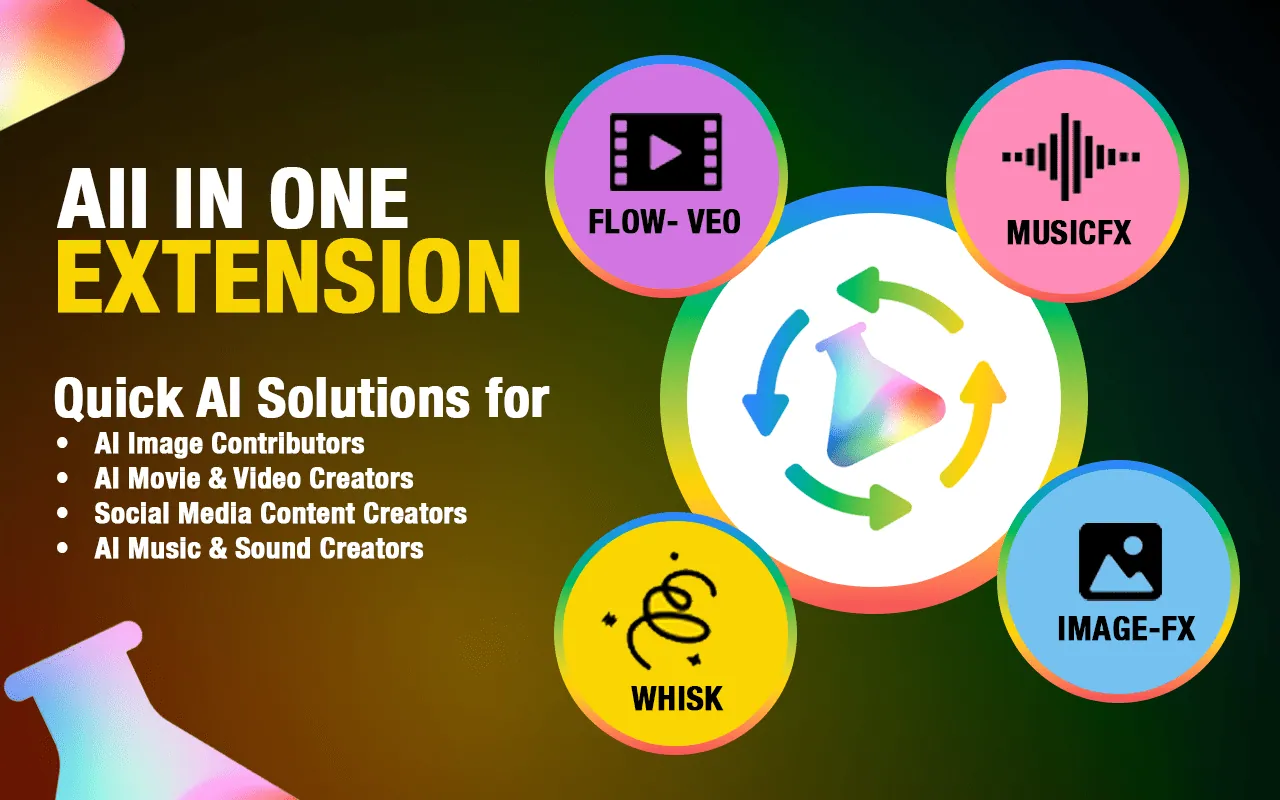
Automate Google Labs: Flow, Whisk, ImageFX & MusicFX
Accelerate your creative workflow with GLabs Automator, the all-in-one bulk automation tool for Google Labs. Stop wasting time on repetitive clicking and start generating massive libraries of images, music, and videos instantly. Built for content creators and digital agencies, this extension automates the entire suite of Google Labs tools so you can deliver professional content at scale without the manual grind.


Why Choose GLabs
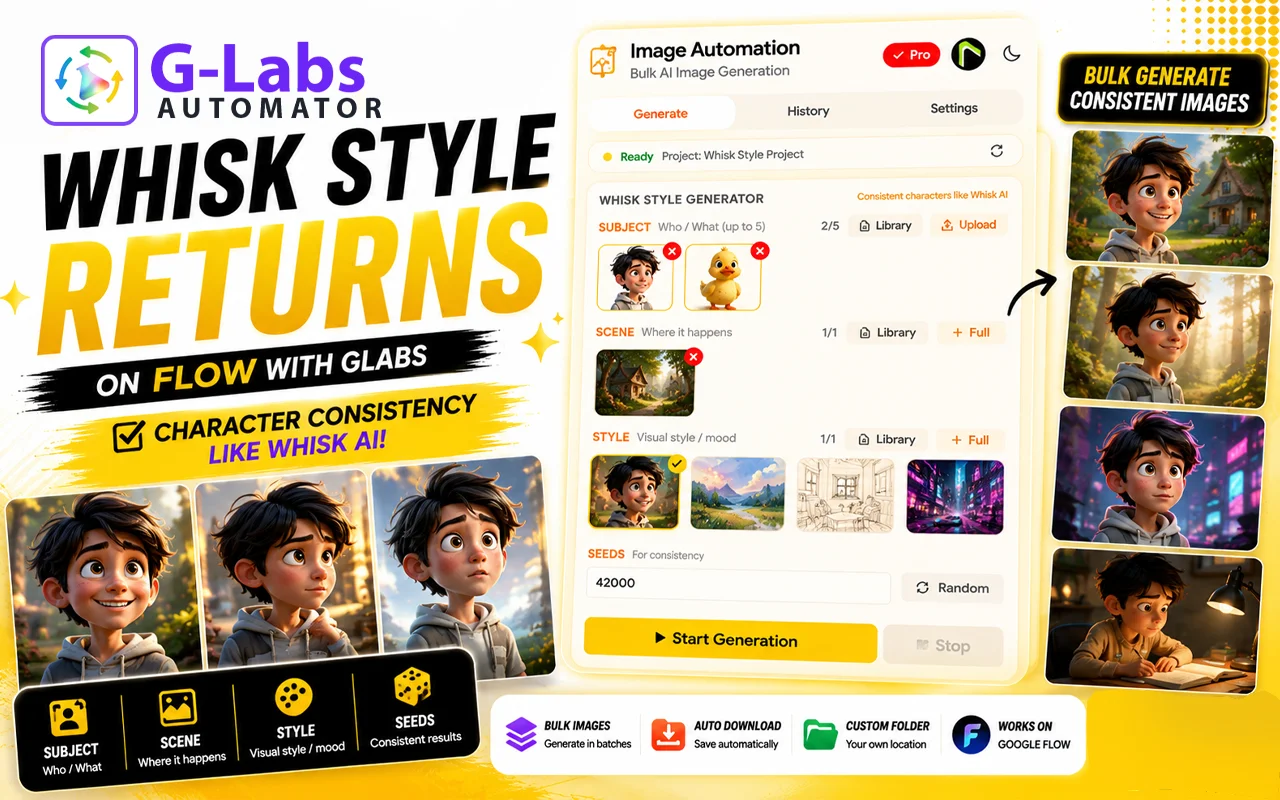
Managing multiple AI tools manually is a productivity killer. whether you are generating textures in Whisk, photorealistic scenes in ImageFX, soundtracks in MusicFX, or video clips in Flow (Veo), clicking “generate” one by one is slow and inefficient.
GLabs Automator unifies your workflow. With this single extension, you can:
- Save countless hours by automating four powerful AI tools in one place.
- Generate bulk content 10x faster than manual creation.
- Auto-download everything instantly to your device.
- Scale your production across images, video, and audio simultaneously.
Key Features of GLabs
Accelerate your content creation with Whisk, Flow, MusicFX and ImageFX, the must-have bulk automation tools for Glabs Automator. Stop wasting time on repetitive clicking and start generating massive libraries of cinematic footage instantly. Built for agencies and social media managers, this extension automates the entire process so you can deliver high-quality video and image content at scale without the manual grind.
- Feature 01
Multi-Tool Bulk Processing
Handle hundreds of prompts across different Google Labs tools simultaneously. Switch between ImageFX, MusicFX, and Flow without changing extensions.:
- Feature 02
Instant Auto-Download
Never miss a file. The extension automatically detects generated assets (images, MP3s, MP4s) and saves them to your computer immediately.
- Feature 03
CSV Export & Management
Keep your generated assets organized with automatic data exports, making it easy to manage filenames and prompt history.
- Feature 04
Privacy Focused
Runs entirely in your browser. Fully compliant with Chrome Web Store policies with no hidden data collection.
Introduction Video

How It Works
- Step 01
Install Extension
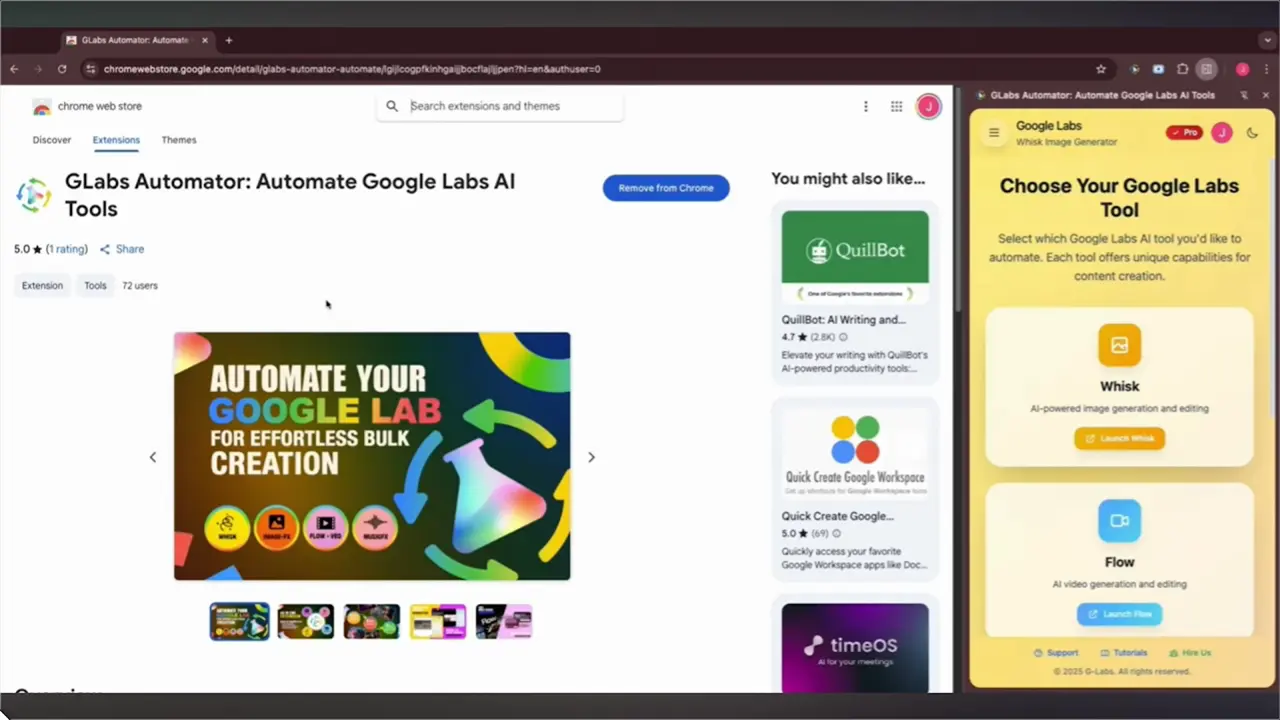
Go to the GLab Chrome Web Store page and click on the "Add to Chrome" button. Once installed, the extension icon will appear in your browser’s toolbar.
- Step 02
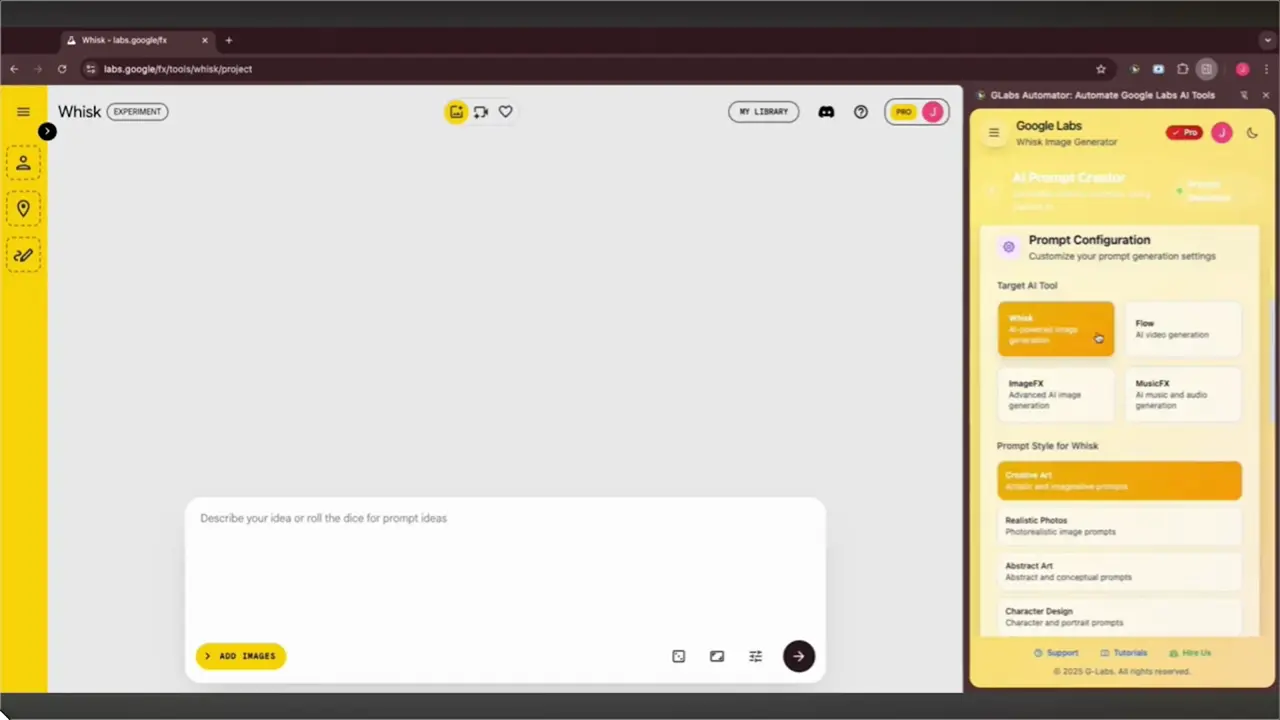
Upload Prompts
You can input multiple prompts at once for bulk generation, enabling you to create several images in one go.
- Step 03
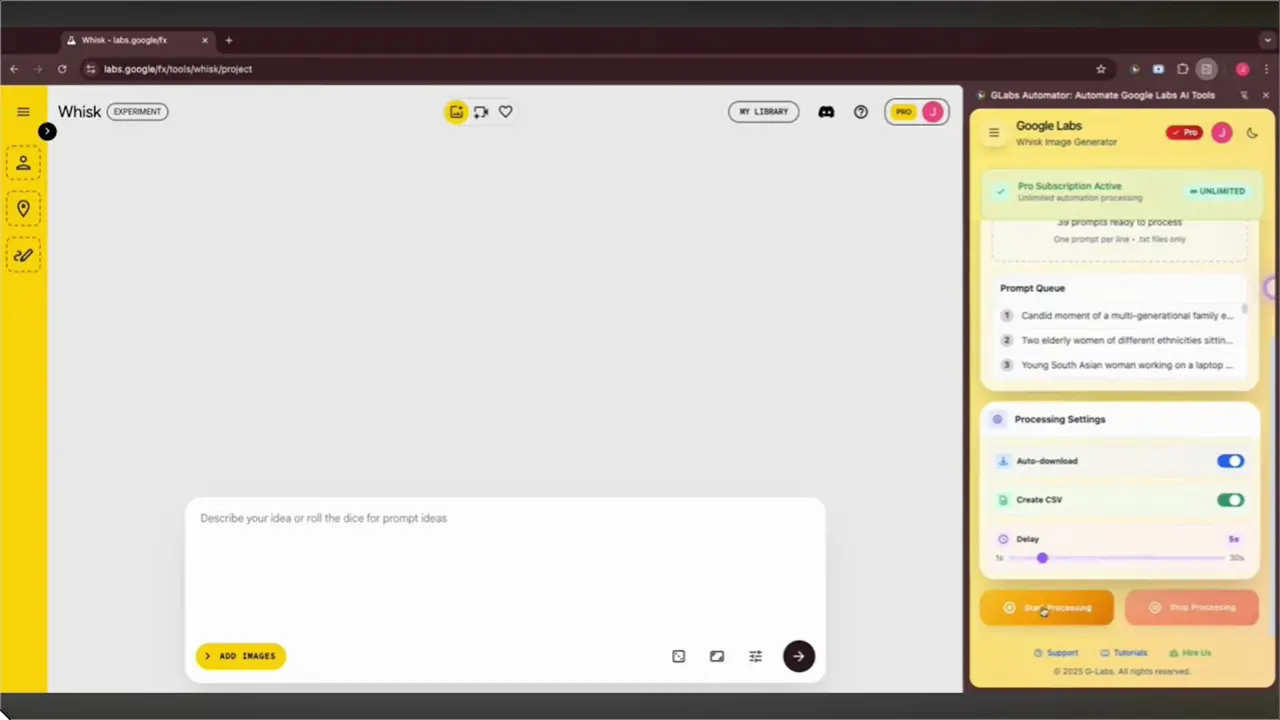
Start Bulk Image Generation
Click the “Generate” button. GLab will automatically process all your prompts and initiate image generation in bulk.
- Step 04
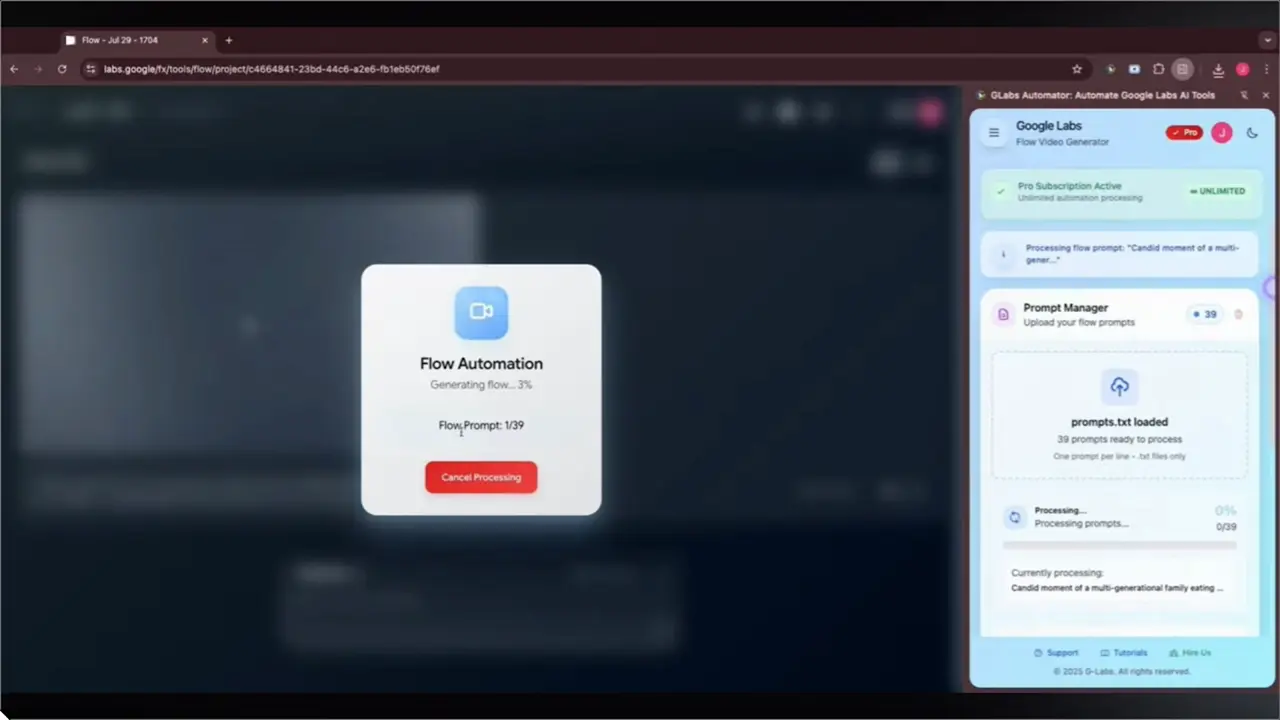
Auto-Download
Once the images are generated, GLab will automatically download them to your device without you having to click anything.
Chrome Web Store reviews
Users Feedback
- Store rating
- 3.58 ratings
- Users
- 2,000+
Written reviews will appear here as users share them on the Chrome Web Store.
Reviews shown verbatim from the Chrome Web Store · checked 14 Nov 2026
Our Subscription Plans
Monthly
$4.99
- Full access to Glabs tools
- Auto download manager
- AI prompt creator
- Basic support
Yearly
$29.99
- Full access to Glabs tools
- Auto download manager
- AI prompt creator
- Basic support
LifeTime
$49.99
- Full access to Glabs tools
- Auto download manager
- AI prompt creator
- Basic support
FAQ
Let’s address your questions today!
Send a support ticket with your question or feedback and the AutoPlayLabs team will reply by email.
Submit a support ticket→Yes, Whisk Automator connects directly with your Google Labs Whisk account to automate image generation.